
Zip Card Apply Online – Step-by-Step Full Guide (2026)
How to Apply Zip Card Online is a popular Buy Now Pay Later (BNPL) service that lets you shop now and pay later in flexible installments. It is widely used in countries like Australia, New Zealand, the US, and more.
What is a Zip Card?
A Zip Card is a digital payment option available through the Zip app. It allows you to:
- Shop online or in-store
- Pay later in weekly or monthly installments
- Get instant approval (in most cases)
- Use it like a virtual credit card
Requirements to Apply for Zip Card
Before applying, make sure you meet these basic requirements:
- Age: 18 years or older
- Valid mobile number and email
- Government-issued ID (driver’s license or passport)
- Bank account or debit card
- Stable income source
Step-by-Step Process to Apply Online
Follow these simple steps:
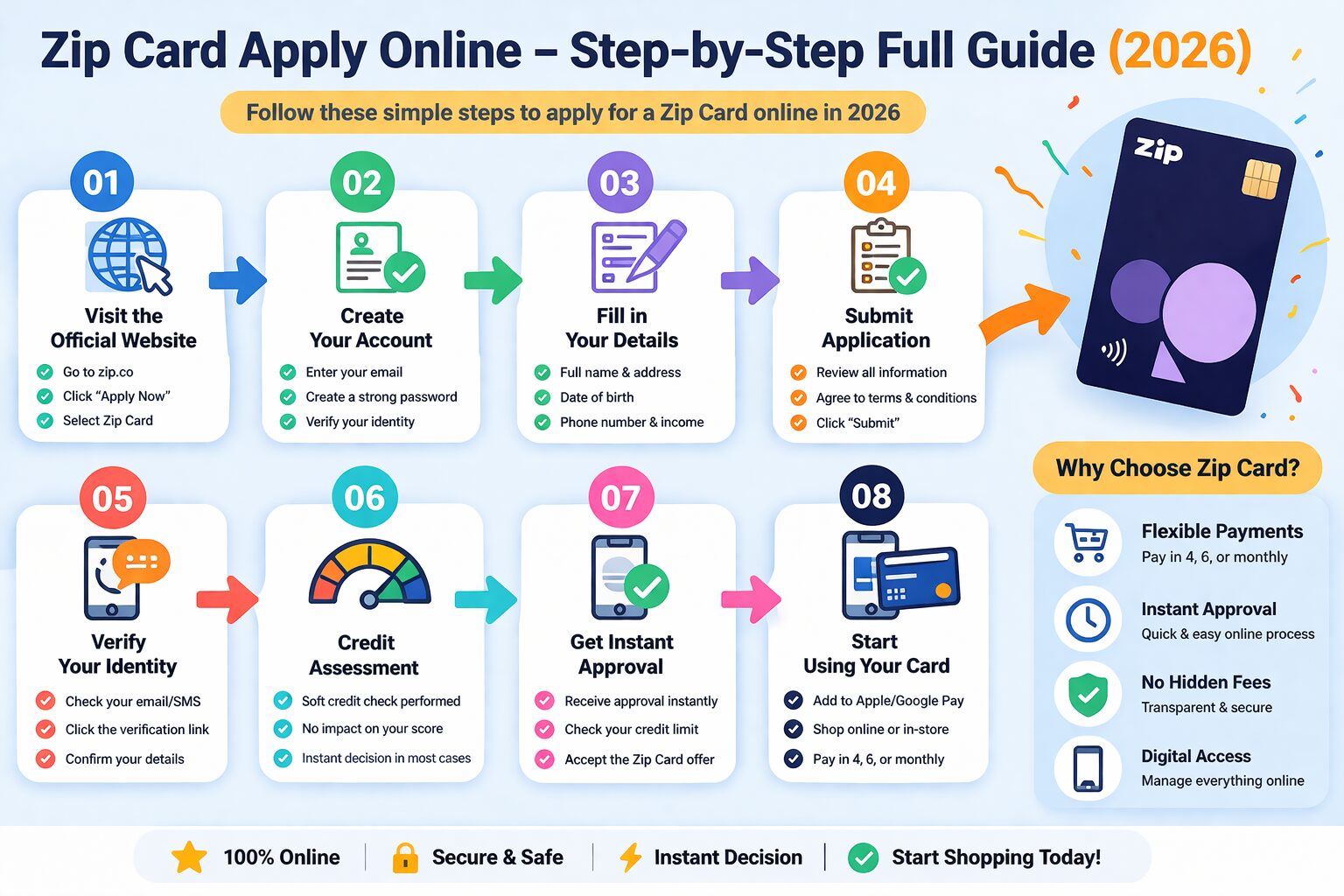
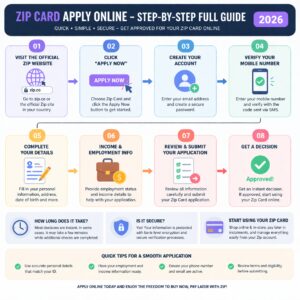
Step 1: Visit the Official Website or App
Go to the official website of Zip Co Limited or download the Zip app from Google Play Store or Apple App Store.
Step 2: Click on “Sign Up”
- Open the app or website
- Click on “Sign Up” or “Create Account”
- Enter your basic details:
- Full name
- Email address
- Mobile number
Step 3: Verify Your Identity
You will need to complete identity verification:
- Upload your ID (passport or driver’s license)
- Enter your address details
- Sometimes, a selfie verification may be required
This step ensures security and prevents fraud.
Step 4: Link Your Bank Account
- Add your bank account or debit card
- This helps Zip check your repayment ability
- It also enables automatic payments
Step 5: Choose Your Zip Product
Zip offers different options:
- Zip Pay – Smaller limit, interest-free
- Zip Money – Higher limit, may include interest
Select the one that suits your needs.
Step 6: Submit Your Application
- Review all details carefully
- Click on Submit Application
Approval usually takes:
- Instant (in many cases)
- Or a few hours if manual review is needed
Step 7: Get Approval & Start Using
Once approved:
- Your Zip Card is activated
- You can shop immediately online or in-store
- A virtual card will be available inside the app
How to Use Zip Card
After approval, you can use it in multiple ways:
- Online shopping (enter Zip as payment method)
- In-store payments via app
- Pay bills and services
Repayment Process
Zip offers flexible repayments:
- Weekly, fortnightly, or monthly payments
- Minimum repayment amount required
- No interest (for Zip Pay, if paid on time)
Late fees may apply if you miss payments.
Benefits of Zip Card
- No upfront payment required
- Flexible repayment options
- Instant approval
- Easy mobile app management
- Widely accepted
Important Tips Before Applying
- Always repay on time to avoid fees
- Start with a small credit limit
- Check terms and conditions carefully
- Avoid overspending
Common Reasons for Rejection
Your application may be rejected if:
- Poor credit history
- Incorrect information
- Low or unstable income
- Failed identity verification
Is Zip Card Safe?
Yes, Zip uses secure systems and encryption to protect user data. However, always:
- Use a strong password
- Avoid sharing OTP or login details
- Monitor your transactions regularly
Final Words (Apply Zip Card Online)
Applying for a Zip Card online is very simple and quick. With just a few steps, you can get access to a flexible payment option that helps you manage your purchases easily. However, always use it responsibly and avoid unnecessary spending.
How to Apply Zip Card Online Zip Card apply online 2026 how to apply Zip Card step by step Zip Pay application process easy guide Zip Money apply online requirements Zip Card instant approval process Zip Card eligibility criteria 2026 buy now pay later Zip Card apply Zip Card sign up process online Zip Card approval time and steps Zip Card application guide for beginners